Opens in a new tab

FPV'S PREMIERE INDOOR DRONE RACING LEAGUE


RESERVE YOUR SPOT

GET TICKETS

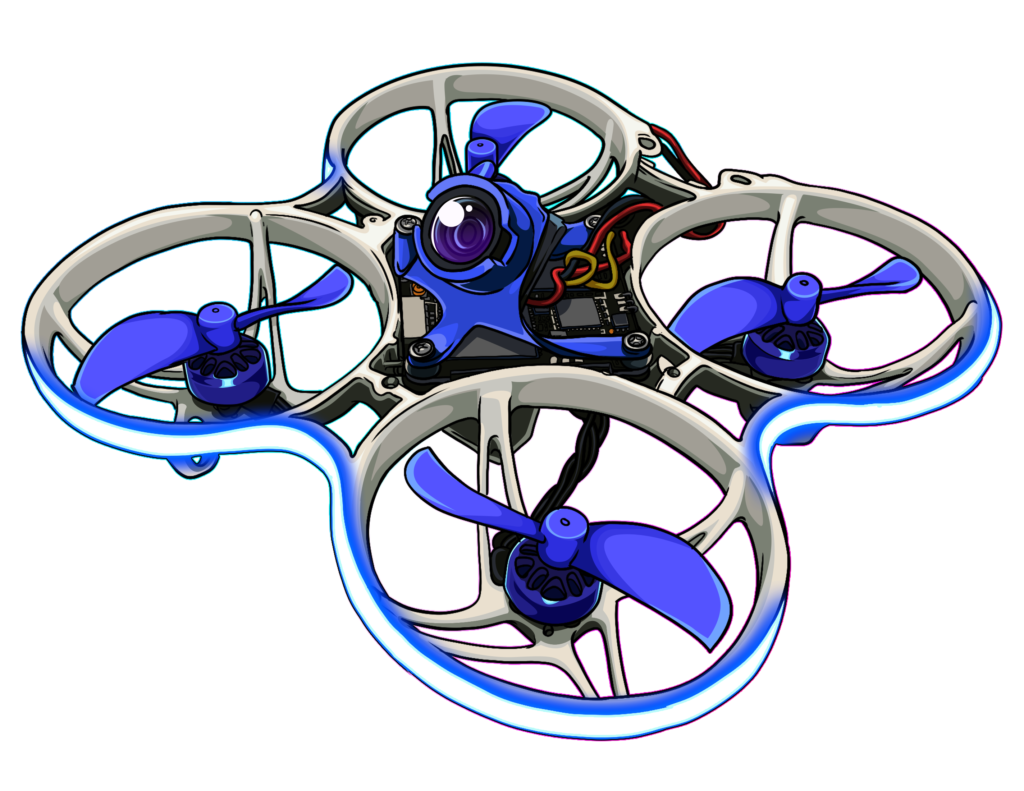
IGNITER SPEC CLASS

The Igniter class uses a stricter ruleset to eliminate drone performance variables and keep racing affordable. It doesn’t matter how much money you have or how good your drone is; it just comes down to who is the better pilot. Either you’re good enough to win or you aren’t.
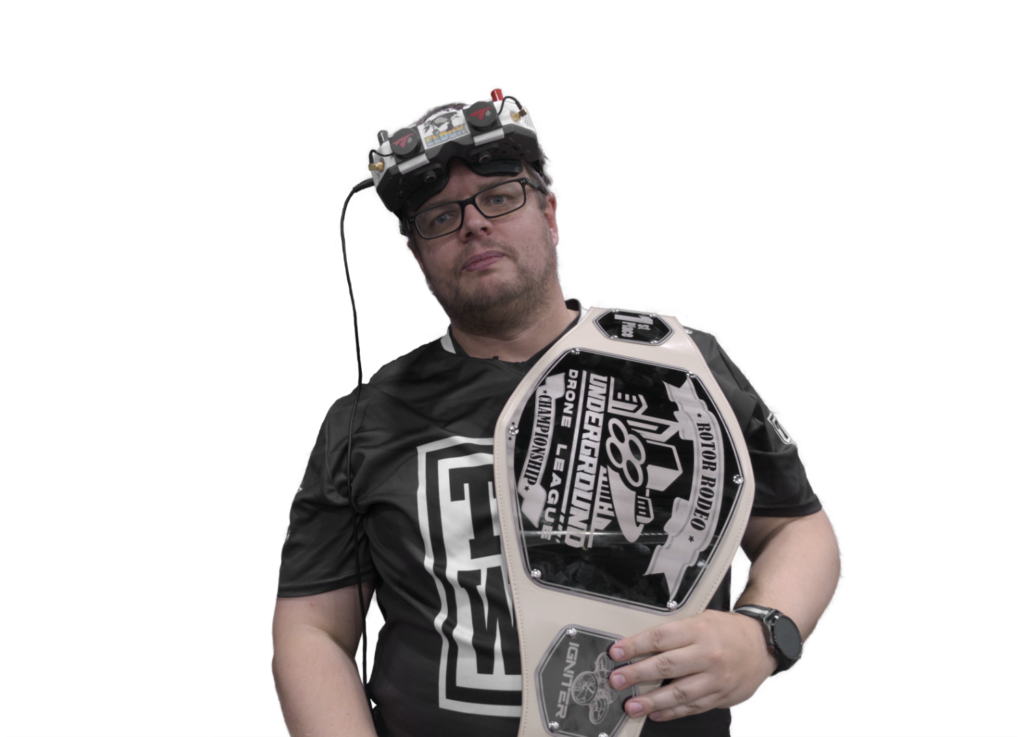
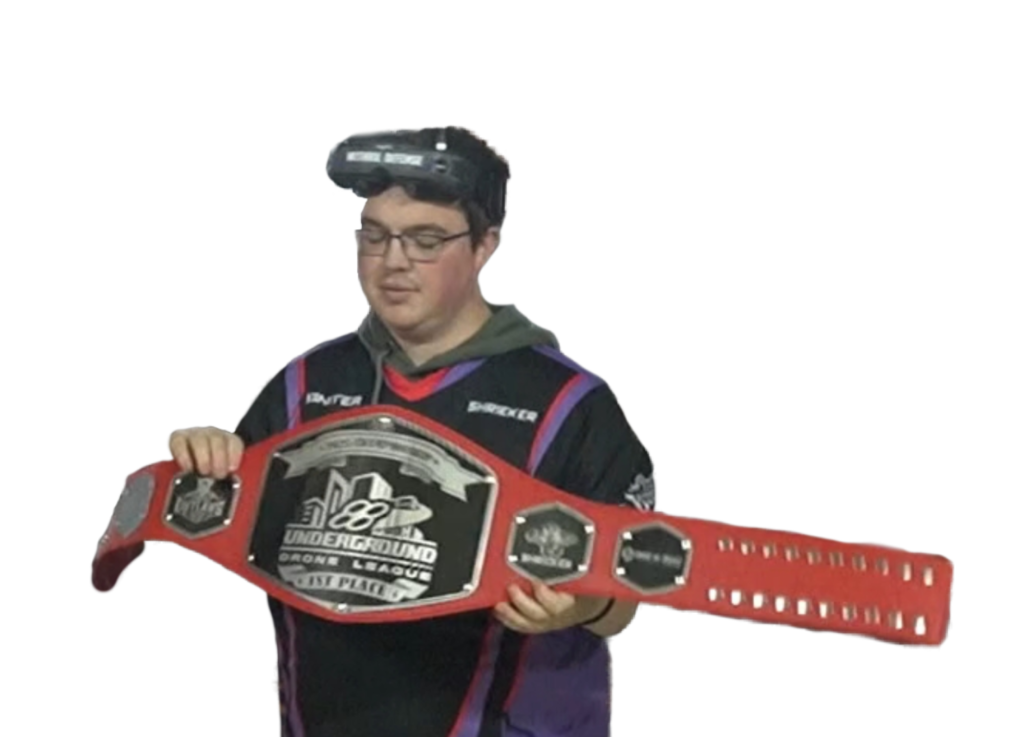
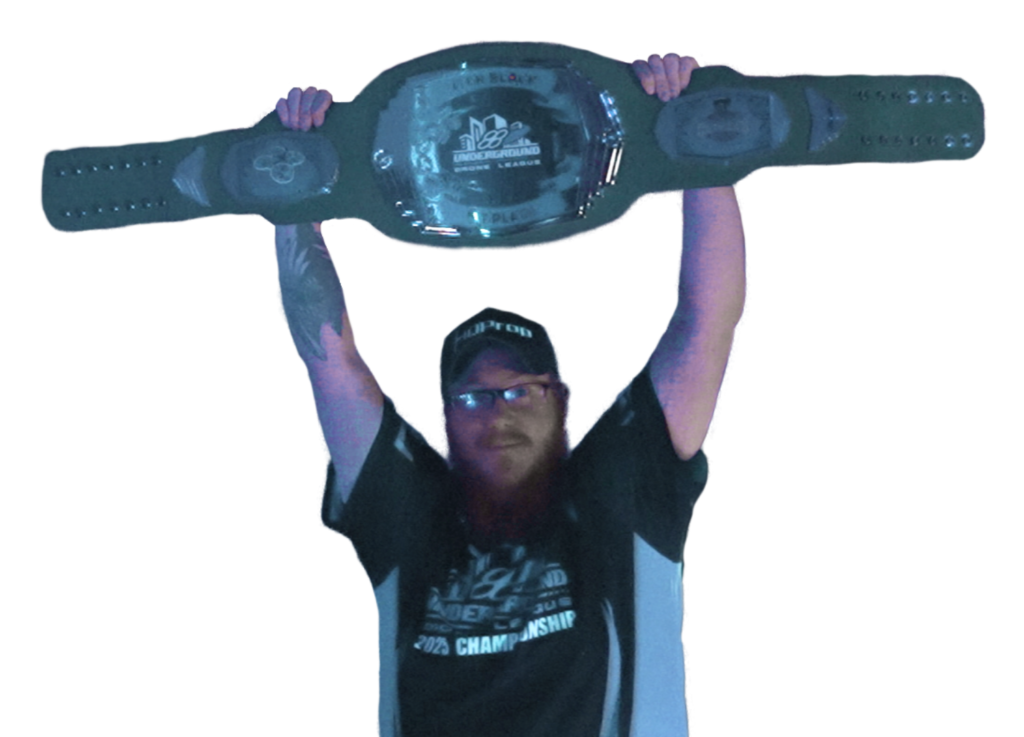
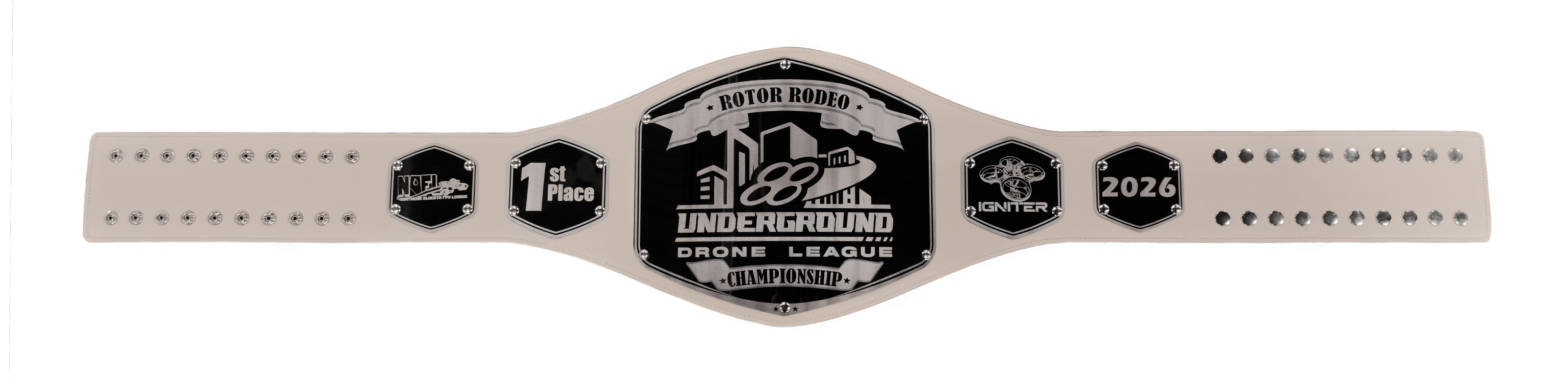
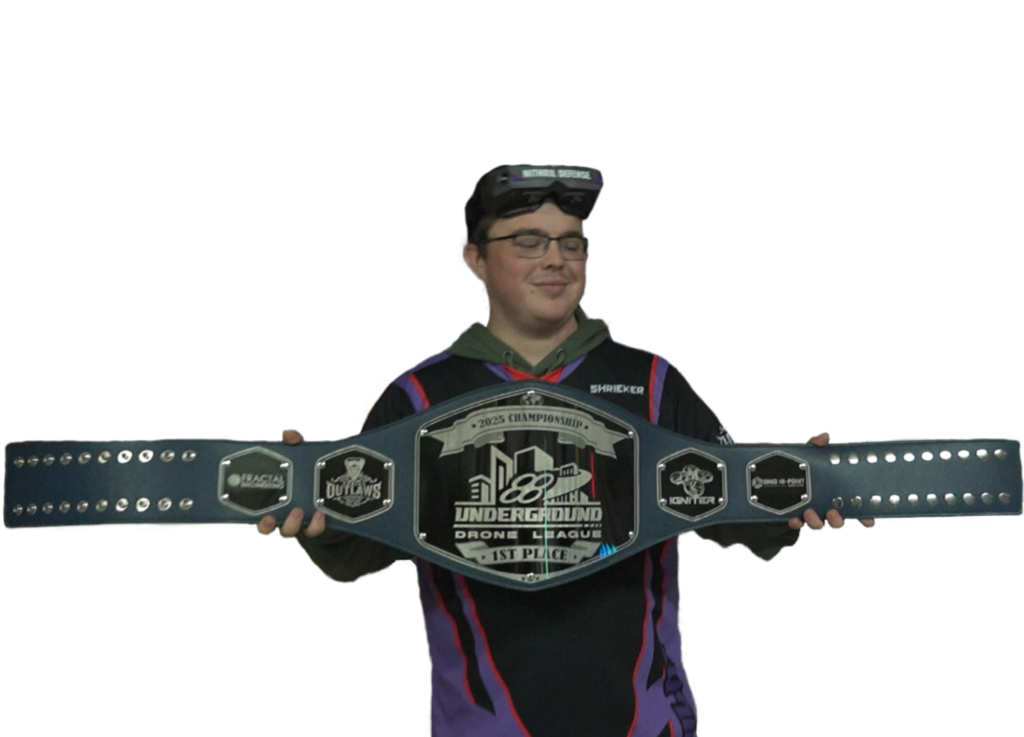
CHAMPIONS WEAR BELTS
RPM LIMITER FLASH

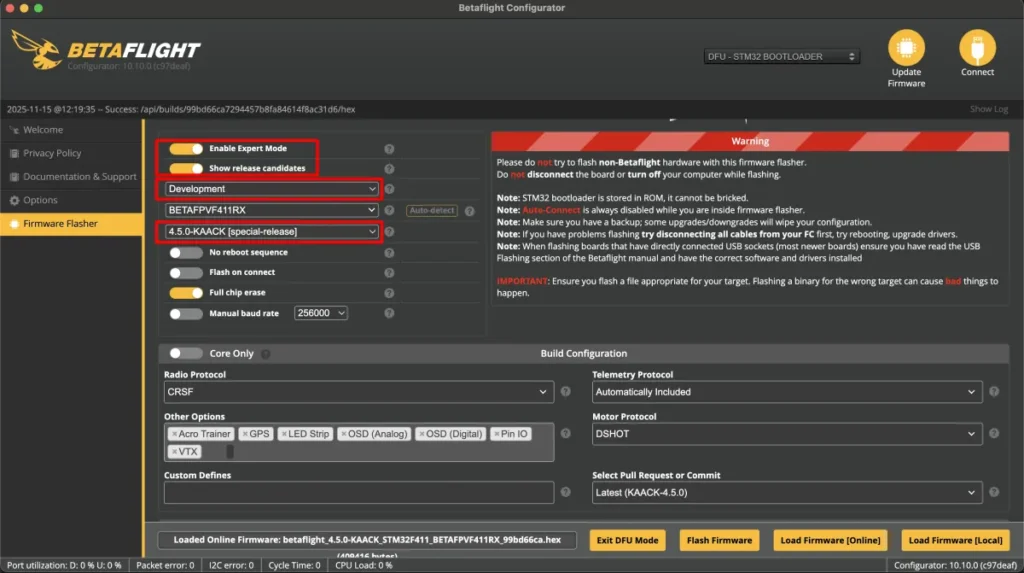
Before beginning, make sure you’ve prepped your drone/flight controller for flashing as you normally would. This may include backing up settings, going into bootloader, etc. Once you’re on the Firmware Flash page, you’re ready to begin.

  1. Click the toggle at the top left to turn on “expert mode”
  2. Click the toggle a the top left to “show release candidates”
  3. Make sure the next box says “development”
  4. Use the next box to select your betaflight target
  5. Use the final box to select the newest version of betaflight that says “Kaack” (Note: It is no longer 4.5.0 Kaack like the photo shows. Select the newest version of Kaack).
  6. If you are using addressable LEDs, be sure to add that under “other options” below. You’ll want the 64 LED option.

Once the firmware is installed and you’ve made any changes you want (such as loading your backup settings), plug a bettery in and get ready to fly. Before arming, yaw left and pitch forward at the same time to open the betaflight menu. From there, select the UDL preset for your event. Not every event will use the same preset so use the one for your event.